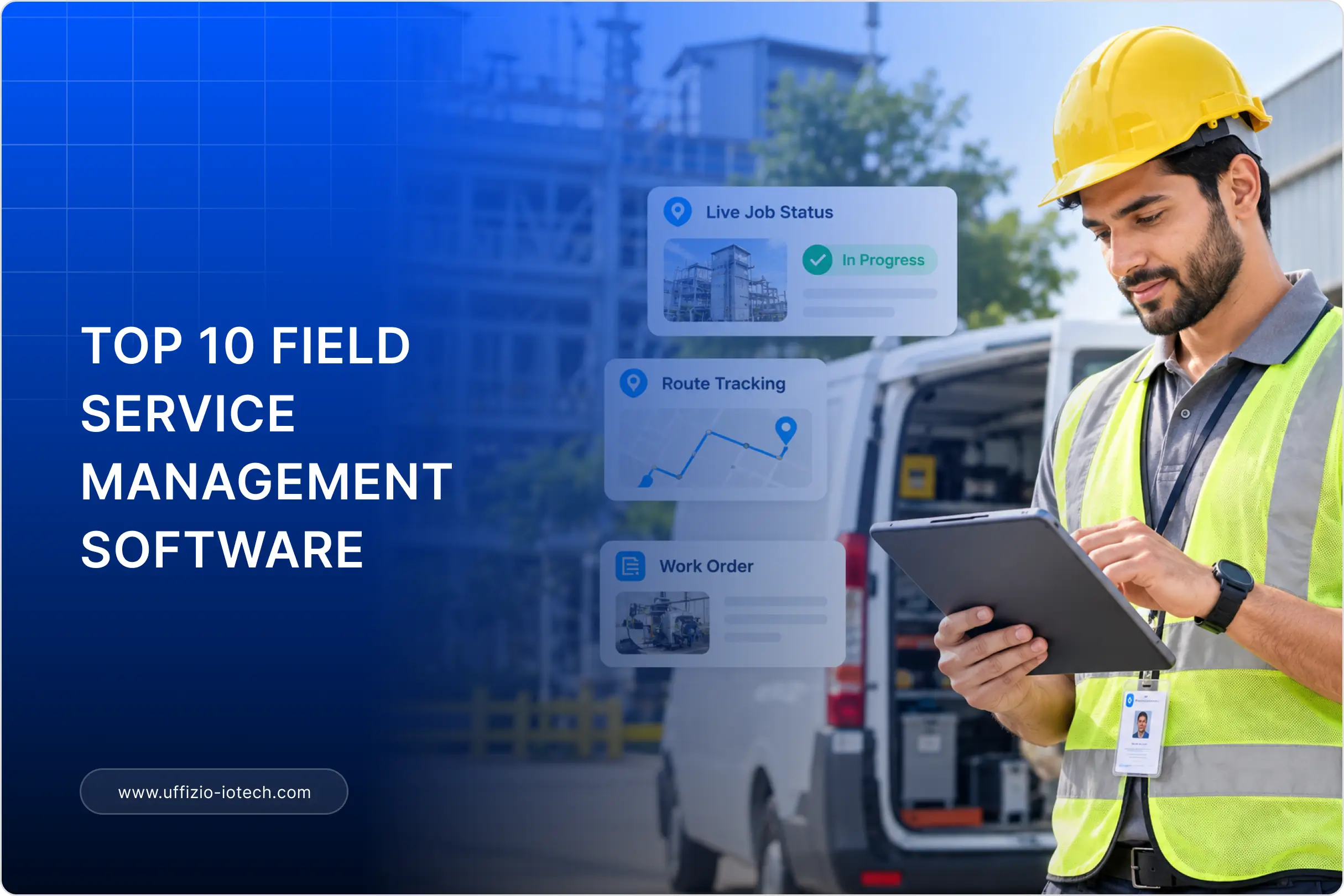
It is five o’clock in the evening and your customer is calling for the fourth time. Your technician is somewhere on the road, service progress is unknown, and you can’t find a nearby available field service technician to get the work done quickly. If this scenario feels relatable, switching to a field service management software (FSM software) is a crucial business growth step.
A centralized FSM platform helps managers assign jobs, monitor field service teams en route to customer sites and track work from start to finish. This blog compares the top 10 field service management software options to help you pick the best one. Each platform suits a different kind of team. Some tools focus on tracking and visibility, others on quoting and billing, and a few on managing complex equipment across many sites. The wrong choice costs you both your time and money.
The comparison table below highlights the 10 software platforms, who are they suitable for, and what does each one of them do well. تاسك آي, built by Uffizio IoTech, leads the list. The other nine follow in order, from small teams to large enterprises.
Quick comparison of the top 10 field service management software
Use this field service management software comparison to see which tools fit your team before reading the full profiles below. Each row shows who the tool suits and its main capabilities.
| Software Name | Best For | Key Capabilities |
|---|---|---|
| 1. TaskEye | Real-time field service team tracking across industries |
|
| 2. Zoho FSM | Small and mid-sized service businesses, or businesses that already use other Zoho apps |
|
| 3. Jobber | Small home and commercial service teams that want one platform from quote to payment |
|
| 4. Housecall Pro | Growing home-service businesses, from solo operators to 100+ staff |
|
| 5. Zuper | Growing teams requiring estimates and invoicing management in a single platform |
|
| 6. Fieldproxy | Organisations that want software built around their own process |
|
| 7. FieldEZ | Enterprises that service IT and equipment assets |
|
| 8. Microsoft Dynamics 365 Field Service | Organisations that want field service operations connected with Microsoft Teams, Business Central and other Microsoft business applications |
|
| 9. Salesforce (Field Service and Operations) | Large-scale organisations that run service operations through a CRM and want field work to sit within the same system |
|
| 10. ServiceMax | Asset-heavy operations with 50+ technicians and large equipment bases |
|
Must-have features in field service management software
A top field service management software should focus on reducing the main operational challenges while also offering additional features that help your business grow. Therefore, before making a final selection and requesting a demo, check your chosen software offerings against these eight must have features listed below:
- Easy to use app interface: A simple, easy-to-navigate app helps field service staff learn and adapt the software usage faster with minimal technical training.
- Mobile app for technicians: Choose a platform that offers a separate, custom build, and easy to use mobile applications for field technicians along with a web app and a mobile app for field managers.
- Real-time location tracking: Make sure you can see where field service team members are, confirm they have reached the assigned site, monitor job progress live, and reassign work to the nearest available staff.
- Compatible with business operations: Confirm that the software supports the work your teams do, such as repairs, installation, and maintenance, and matches your core business processes.
- Regional language inclusion: Make sure that your chosen FSM application works in your team’s familiar language and includes the languages of the regions that your business is operating and aims to expand in the future.
- Scalable across industry sectors: Do check whether the system chosen by you is capable enough to expand and carry the workflow and field operation records as your field service teams grow.
- Integrations and reporting: The software should connect with your customer relationship management (CRM) and enterprise resource planning (ERP) systems without disrupting your existing operational workflow.
- Dispatch, scheduling, and work order management: Besides tracking on-site service staffs’ locations and job progress, the software should let supervisors match each job to the right field technician based on skills and proximity to the job site. It should also keep all job details, status updates, communication logs, and completion timelines in one place.
Finally, ask how long setup takes and what training your team will need before you commit.
10 best field service management software for managing service teams
The list starts with TaskEye, then covers some platforms built for small field service teams while others built for large-scale enterprises. Each software description covers who the tool suits, its key capabilities, and when to consider it, so you can compare the options and choose the best field service management software for your business.
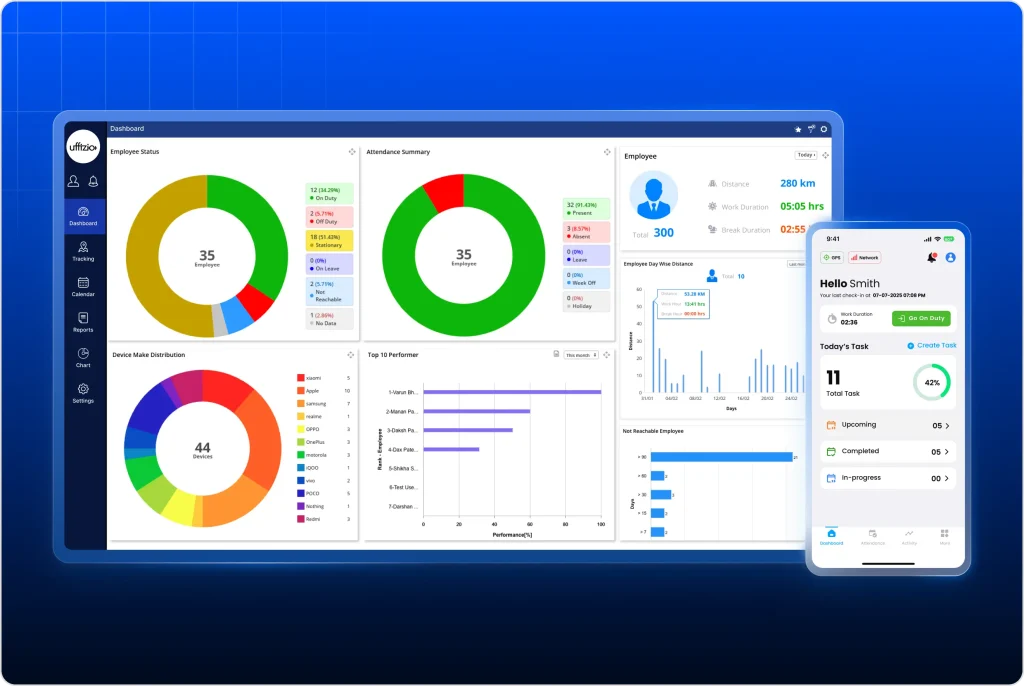
1. TaskEye: Best for real-time field service team tracking across industries
TaskEye is a field service management software that allows managers to monitor where field service teams are, what service they are working on, and how many assigned tasks are completed in real time. Additionally, managers get to manage jobs, checklists, attendance, task performance, and verify auto-synced offline service proofs from one web app. Consequently, field service staff can mark attendance, submit service proofs, submit expenses, apply for leaves, and more from the TaskEye employee app.
Key capabilities:
- Live location tracking, travel route monitoring, and estimated arrival times alerts.
- Geofenced attendance (check-in only inside a set work area) with AI face recognition and fake location detection.
- Photo, video, voice notes, and other media-file based proof of work with location and timestamps.
- Offline mode that syncs service proofs automatically when the network returns.
- Task management, custom forms, expenses, leave tracking, inventory and order management, SOS & BLE alerts, and much more.
TaskEye is available in 100+ countries and has tracked over 40,000 field employees and 5 million tasks. It has 3 apps:- web app and a mobile app for managers, and an easy-to-use mobile app for field service teams. It also extends its reach to both national and global industrial sectors such as facility management, maintenance, telecom, utilities, logistics, and installation and repair and field teams across multiple service sectors.
Worth considering if: You want an all-in-one field service management software to track on-site service teams, manage jobs, and verify on-site presence in real time. You can also connect TaskEye with your ERP, CRM, human resource management system (HRMS) and payroll tools. Moreover, partners and system integrators can also العلامة البيضاء it under their own brand name and logo.
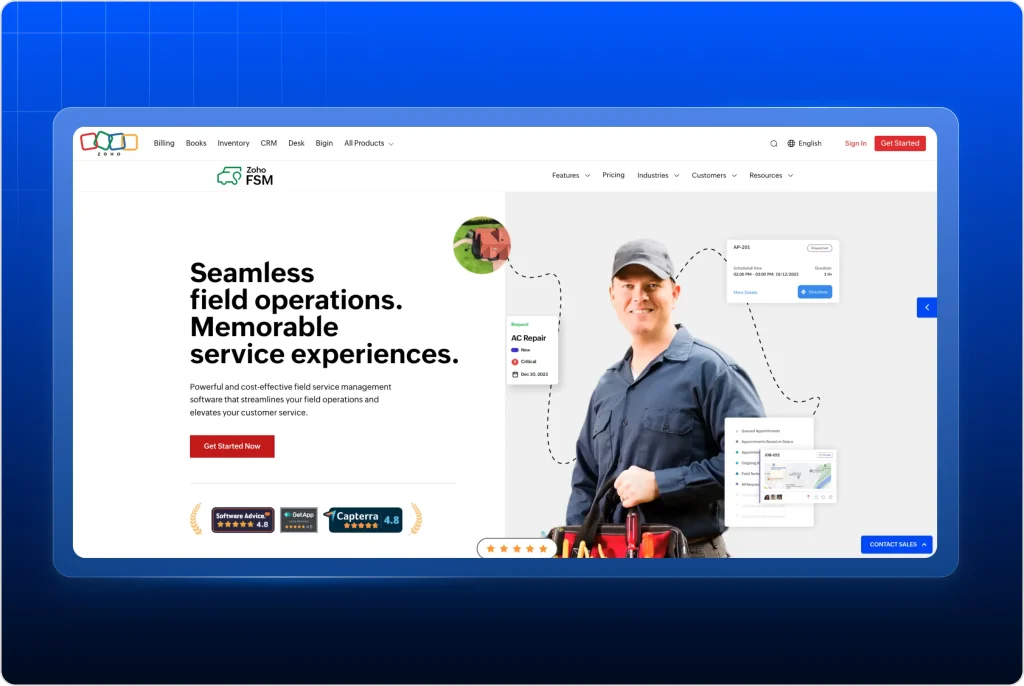
2. Zoho FSM: Best for small and mid-sized service businesses
Zoho FSM manages each job from the first service request to estimates, appointments, and invoicing. It is suitable for small and mid-sized teams already using Zoho apps and want to send estimates, schedule appointments, update work orders from one platform.
Key capabilities:
- Work orders and appointments.
- Estimates and built-in invoicing in multiple currencies.
- Dispatch console with Gantt (timeline), grid, and calendar views.
- Reports and dashboards, plus a WhatsApp integration.
- Recurring maintenance plans and job sheets with checklists.
Worth considering if: You already use other Zoho apps, such as Zoho CRM. FSM suits small and mid-sized operations, so very large-scale teams, or teams that want to predict equipment faults before they happen, may need extra tools.
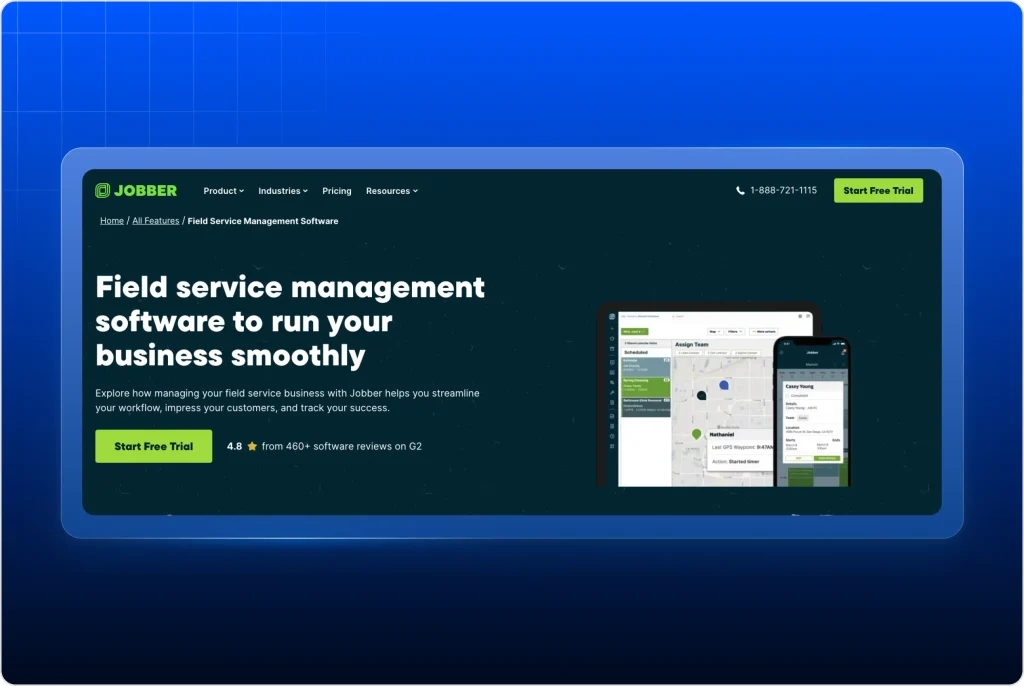
3. Jobber: Best for small home and commercial service teams
Jobber helps small service teams move from quote to payment in one place. Customers can book online, and crews can see their jobs on one shared calendar.
Key capabilities:
- Invoicing and online payments.
- Crew scheduling with route optimisation.
- Job checklists, photos, videos and notes.
- Quotes, online booking and drag-and-drop scheduling.
Worth considering if: You want quoting, scheduling, and billing together in a single system. Jobber is designed for small teams, so larger operations with complex contracts or multiple sites may find it less useful.
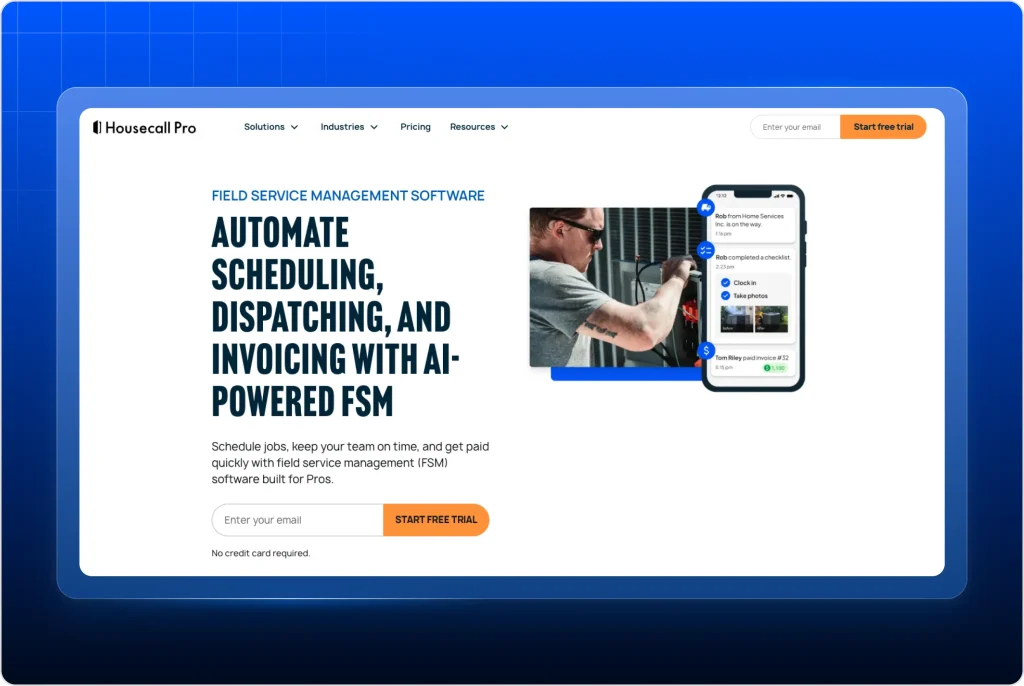
4. Housecall Pro: Best for growing home-service businesses
Housecall Pro serves home-service businesses, from sole operators to teams of 100 or more. It covers the complete customer journey, from their first booking to final payment.
Key capabilities:
- Estimates, invoices and card payments.
- Scheduling and dispatch with online booking.
- Review management and recurring service plans.
- Vehicle GPS tracking, with arrival texts that share the technician’s location.
Worth considering if: You want one system that covers the whole home-service job, from booking to payment. Because it serves many different trades, use the free trial to check that its features fit your workflows.
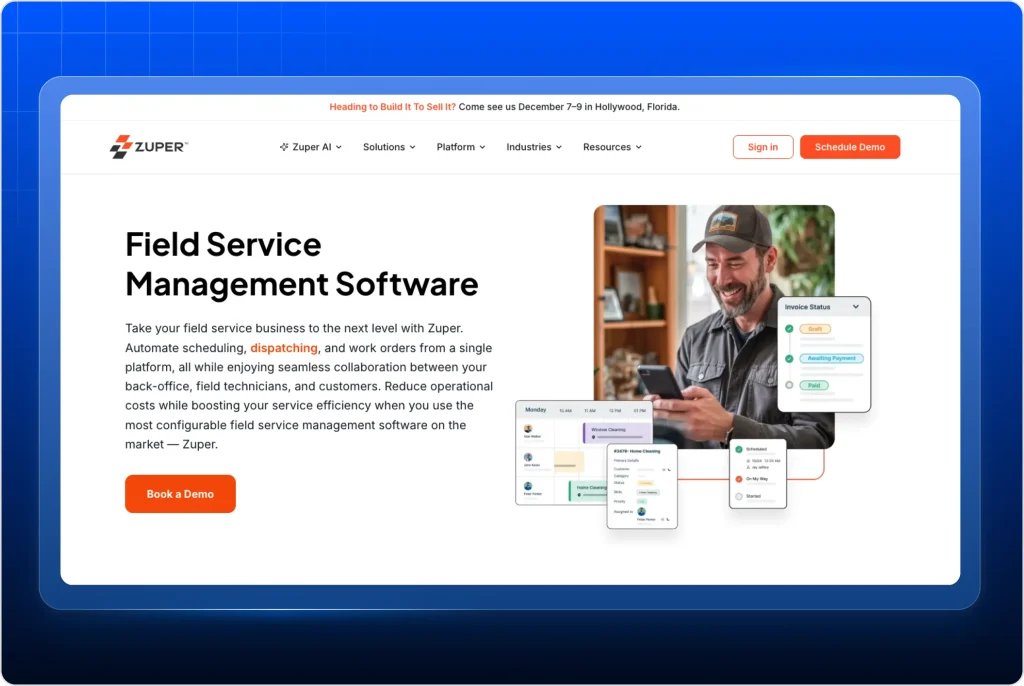
5. Zuper: Best for growing teams wanting to connect field service with existing apps
Zuper is a field service management software that helps service businesses manage their field teams from a single system. It uses AI and location tracking to assign the right technicians to each job based on skills, availability, and proximity. Furthermore, it combines quoting, work order management, asset and inventory tracking, and on-site invoicing.
Key capabilities:
- No-code workflow customisations.
- Estimates that convert to jobs and then to invoices.
- Skills and proximity-based scheduling with AI dispatching.
- More than 60 integrations, including HubSpot, Zoho and Zendesk.
- Payments through Stripe, with accounting sync for Xero and QuickBooks.
Worth considering if: You need a configurable platform that connects with your existing CRM, accounting, and customer support apps. Keep in mind that advanced automations take extra setup time and pricing is by quote only. Per-user costs can also add up for small-scale businesses.
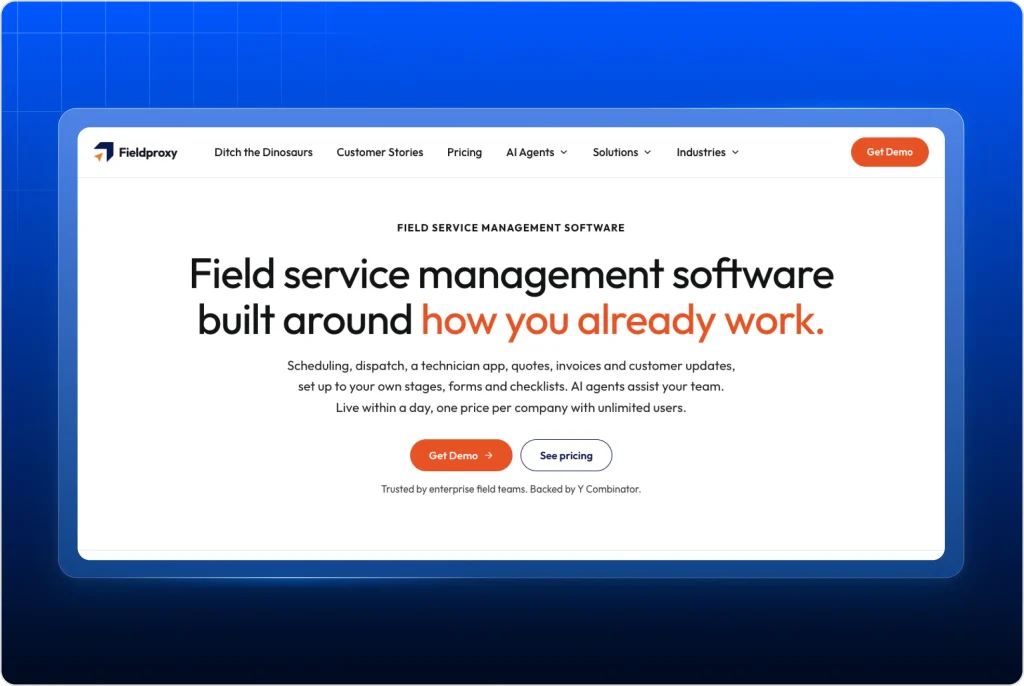
6. Fieldproxy: Best for teams that want software built around their workflow
Fieldproxy is FSM software built around AI. It adapts to your company’s existing process and automates tasks such as answering calls, drafting schedules, and tracking unpaid invoices. It also brings together work order tracking, GPS dispatching, spare-parts inventory, and preventive maintenance for equipment in one system.
Key capabilities:
- AI-based calls, scheduled tasks, and overdue invoice tracking.
- Automatic technician location check-ins and site visit conversion.
- AI dispatch with approval and undo, plus skills-based assignment.
- Subcontractor portal for handing extra jobs to outside contractors.
- No-code setup around your job stages, custom forms, and pricing rules.
Worth considering if: You want software designed around your own workflow. Fieldproxy states that it records technician location only during working hours. If you need continuous vehicle tracking (telematics), you must buy it separately.
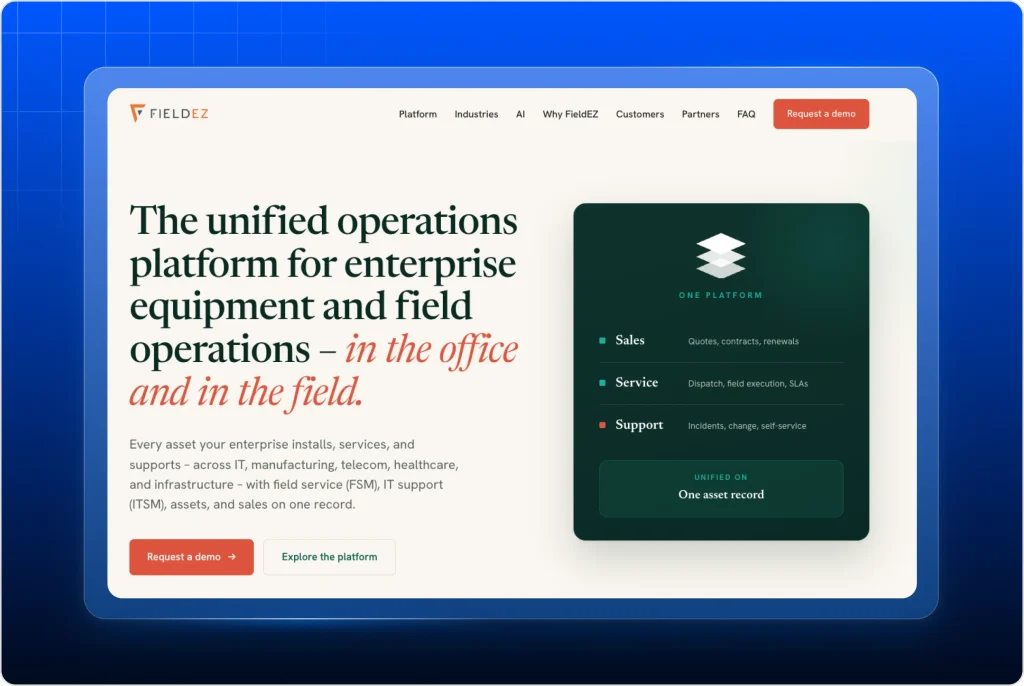
7. FieldEZ: Best for enterprise IT and equipment servicing
FieldEZ combines three departments into a single digital profile for every equipment. It brings equipment sales, field service, and IT service management into a single system. So, instead of checking three different systems, managers and technicians can open the equipment’s profile and view its complete history since installation.
Key capabilities:
- Parts and contract management.
- AI scheduling, routing and SLA protection.
- Security certifications suited to enterprise buyers.
- Dispatch, field execution and service-level agreement (SLA) tracking.
Worth considering if: You need a single platform for field sales, service, and IT support. As it comes in a single package that handles all 3 services together, businesses needing only field service management software may have to pay more to use just one-third of it.
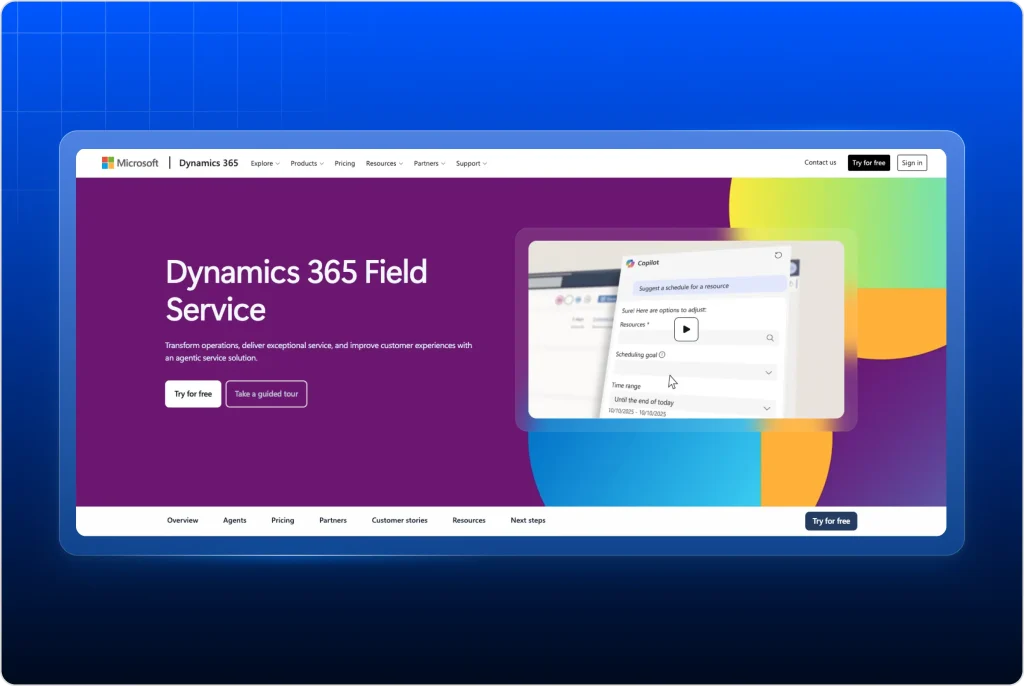
8. Microsoft Dynamics 365 Field Service: Best for work order management and technician dispatch
Microsoft Dynamics 365 Field Service is an enterprise field service management software. It automates workflows, schedules jobs with AI, and gives technicians mobile tools for on-site work. It connects work orders, technician routing, equipment history, and inventory across multiple warehouses in one system. With built-in Copilot (Microsoft’s AI assistant) and Internet of Things (IOT) sensor support, it helps organisations move from fixing breakdowns to preventing them.
Key capabilities:
- AI Scheduling agent for dispatchers.
- Customer portal built on Power Apps.
- Work order links that open inside Microsoft Teams.
- Finance and inventory sync with Dynamics 365 Business Central.
Worth considering if: You already use Microsoft. If you need to set up the software you will have to contact Microsoft and their partners. The scheduling agent is still in the preview stage and the total cost of the software depends on your workflow customisations and licensing.
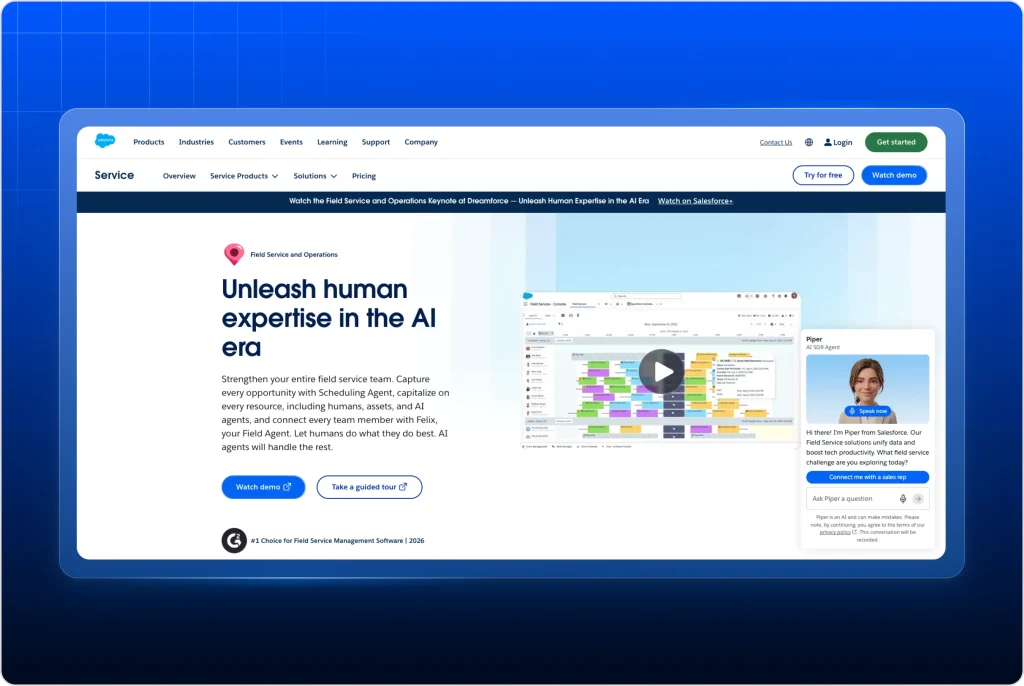
9. Salesforce (Field Service and Operations): Best for CRM-led service operations
Salesforce (Field Service and Operations) connects field work with customer and equipment data stored in Salesforce CRM. Dispatchers can ask Agentforce, Salesforce’s AI assistant, to find appointments that need attention and act on them.
Key capabilities:
- Dispatcher console and work order management.
- Pre-work briefs with customer history for technicians.
- Agentforce scheduling that adjusts for absences and delays.
- Asset service management and customer Appointment Assistant.
Worth considering if: Your team already uses Salesforce. Plan the implementation and administration effort. It is licensed per user, so cost and administration grow with team size, and links to enterprise resource planning (ERP) systems may need extra connectors.
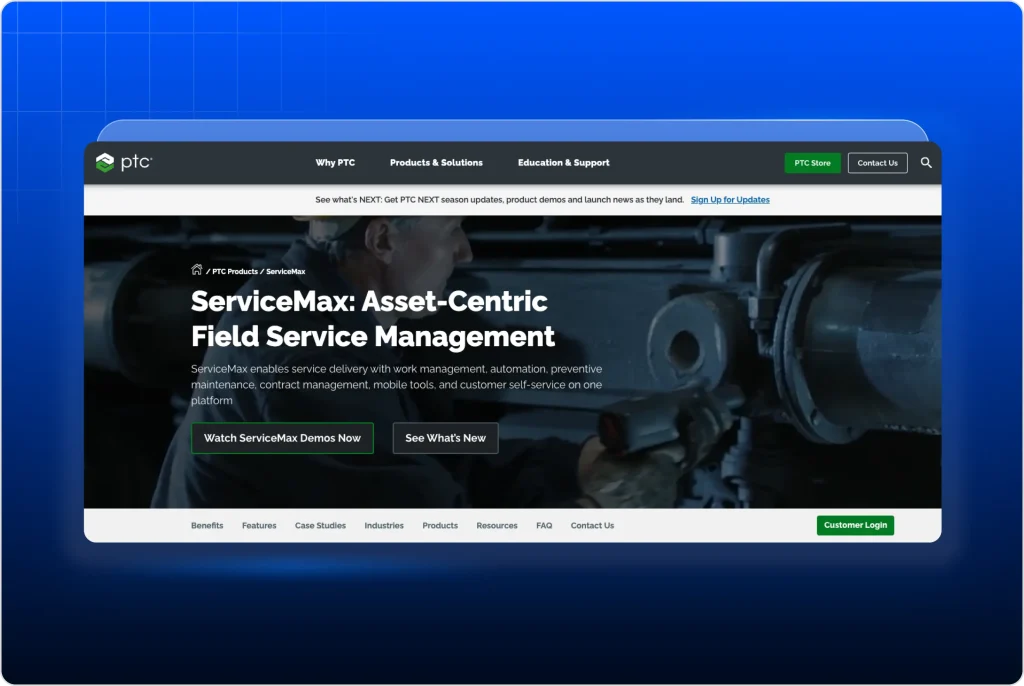
10. ServiceMax: Best for teams that service a lot of equipment
ServiceMax, a PTC product, is built around the equipment you service, not just the jobs. It tracks each item’s history, contracts, and warranties, so technicians see the full picture before a visit.
Key capabilities:
- Service board for scheduling and dispatch.
- Mobile tools that work online and offline.
- Contracts, warranties and entitlements management.
- Remote service using Internet of Things (IoT) data.
- Equipment history from installation to retirement, plus maintenance records.
Worth considering if: You manage roughly 50 or more technicians who service a lot of equipment. Smaller teams with simple jobs may find ServiceMax more than they need.
How to choose the right field service management software?
With so many features across these 10 options, it is easy to feel overwhelmed. Start by matching your team size and daily workflows to each platform’s strengths. Here is what to look for in small, mid-sized, and large teams.
-
For small teams
Small teams need quick job scheduling, quoting, estimation, and invoicing without any complex software setup or long onboarding progress. Zoho FSM, Jobber and Housecall Pro offer these capabilities in a single, easy-to-adopt workspace. TaskEye also suits smaller teams, with an easy-to-use mobile app for field service teams. Its configurable forms and workflows can adapt to your business as you grow.
-
For medium-sized teams
As your team, job volume, and customer base grow, coordination across departments becomes critical. Zuper fits businesses that rely on third-party app integrations, and Fieldproxy suits teams that want software built around their own process. TaskEye adds real-time field tracking to either approach, so service technicians stay accountable. It also connects with third-party apps and can be customized to match your operations.
-
For large-scale enterprise teams
Large organisations need SLA contract management, detailed equipment histories, deep ERP integrations, and connections to many other systems. FieldEZ, Service Max, Salesforce Field Service, and Microsoft Dynamics 365 Field Service Software are built for these needs. Similarly, TaskEye also works for enterprise teams, with real-time workforce tracking, automated dispatch, and location-verified proof of work.
Conclusion: Choosing the best field service management software for your team
The right field service management software mainly depends on your field team size, daily workflows, and how well it connects with the systems you already use. Many of the tools above are strongest at office tasks, such as quoting, billing, contracts, and client records.
TaskEye, on the other hand, emphasises on what happens in the field. It helps you track where field service staff are, confirm they have reached assigned sites, and collect real-time proof of completed work. It also connects with ERP, CRM, HRMS, and payroll tools, so it adds to your current software instead of replacing it.
If real-time technician visibility and accountability are your top priorities, TaskEye is a strong fit for field teams of any size. Book a demo to see live field service team tracking and GPS time-stamped proof of service in action.